A practical guide to building a restaurant QR menu: why a code pointing at a PDF is not the same as one pointing at a real menu, the steps to create and print it, and five mistakes that break the scan.
A paper menu fails quietly. A price changes and you reprint. A dish sells out and stays on the page until a customer orders it and hears "sorry, we're out". The fix most owners reach for first — a photo or PDF behind a QR code — solves half the problem and creates a new one.
This guide covers how to actually build a QR menu for your restaurant, and where most attempts go wrong.
A barcode that opens an image vs. one that opens a menu
This is the part almost every tutorial skips, and it decides everything else.
A QR code pointing at an image or PDF: the customer scans, waits for a heavy file, then pinches and zooms to read the prices. No search, no dish photos, no ordering. And when a price changes you regenerate the file — if its URL changes too, every code printed on your tables is now dead.
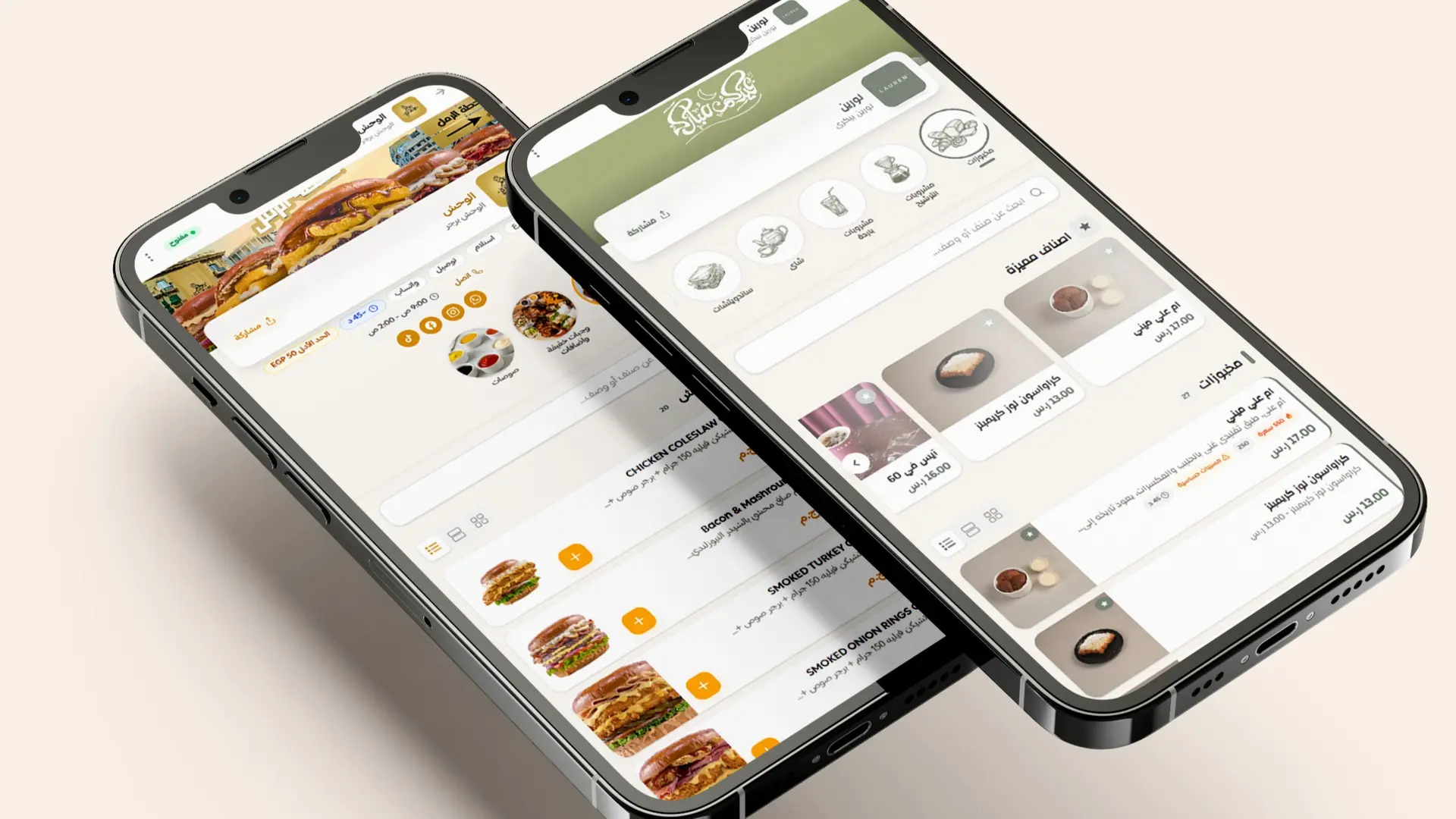
A QR code pointing at a digital menu: the customer scans and a fast, mobile-first page opens, with sections, photos and prices that are current. More importantly, the URL never changes. You edit prices, pause a sold-out item, add a whole section — and the code already printed on the table keeps working. You print once.
The practical steps
1. Prepare the menu first
Collect your items grouped into clear sections, with a photo for anything you can shoot. An item with a photo gets ordered more often than a name on a line — that is the first effect you will notice.
2. Build it on a platform that also takes orders
Do not settle for one that only displays. A platform that receives the order removes an entire step later. Restaurant QR menu and ordering gives you the menu, the code and the dashboard in one place.
3. Download the code at print resolution
Use SVG or a high-resolution PNG. A code grabbed as a screenshot fails to scan in low light — which is the light most restaurants have in the evening.
4. Print and test before you roll out
Test with at least three different phones, in your actual evening lighting rather than daylight.
5. Put it where the eye lands
A small table stand beats a sticker on the tabletop: one sits at eye level, the other collects grease and disappears under plates.
Five mistakes that break a QR menu
- Printing it too small. Below roughly 3×3 cm it is hard to scan from a normal seated distance.
- Weak contrast. A gold code on a beige card looks elegant and does not scan. Cameras need sharp contrast.
- A glossy surface. Reflections block the read. Choose a matte finish.
- No instruction line. One small line — "point your camera here to view the menu" — measurably lifts usage, especially with older guests.
- One code for every branch. Prices, hours and availability differ per location. Give each branch its own code.
After the scan: from display to order
This is where the code stops being decoration. When the guest can complete the order on the same screen, the errors that come from relaying it verbally disappear and the order reaches you in writing — straight to WhatsApp in the simplest setup, with no app for the customer to install and no commission taken on the order value.
It also opens uses beyond the table: takeaway, delivery, and a separate menu per branch. If you operate in Egypt, pricing and details are localised on the Egypt digital menu page.
Connect the code to your whole online presence
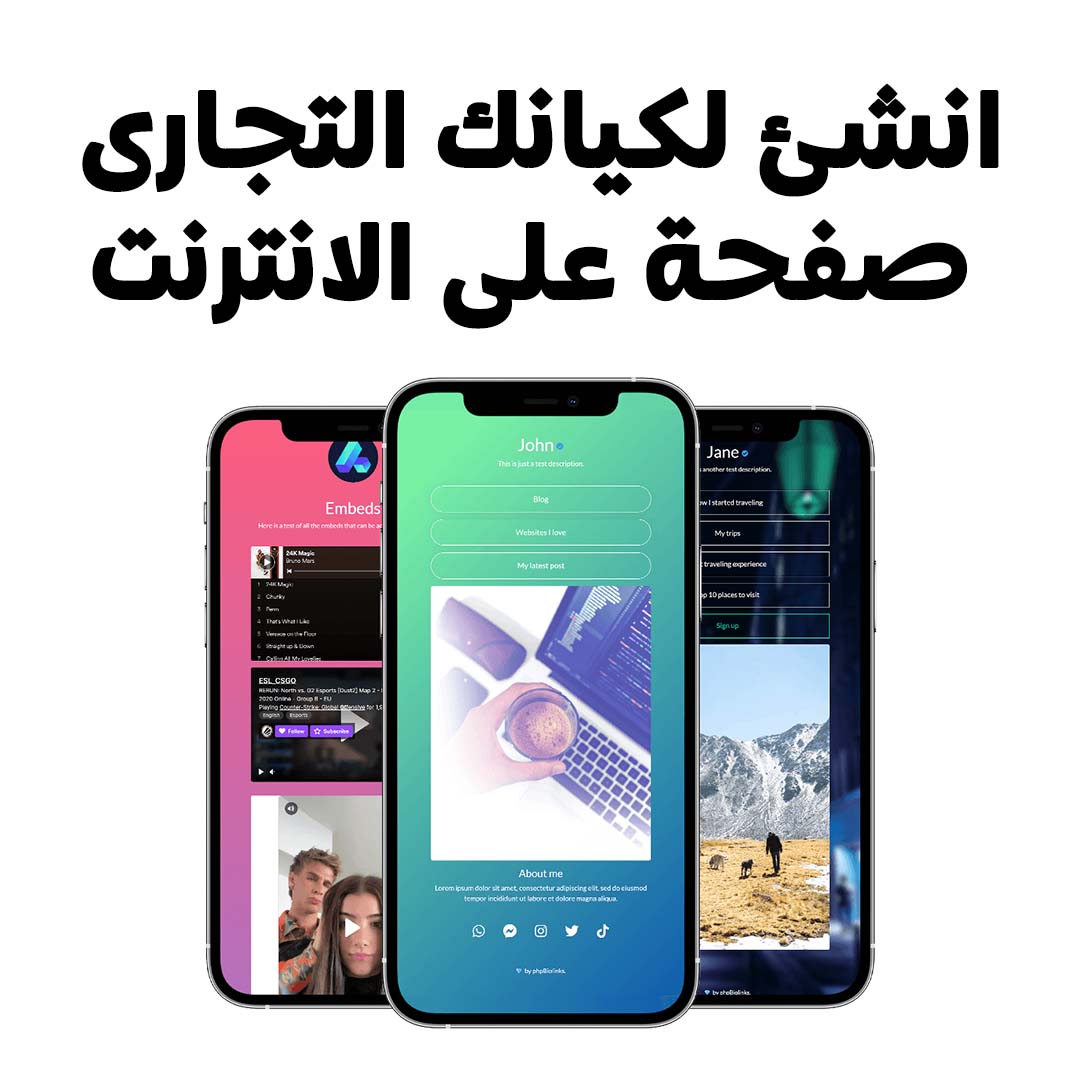
Your menu is not your only link — there is Instagram, Google Maps, a booking number. Collecting them on one bio link page lets a single code on the table lead to all of it, with the menu as the headline item.
What it costs
Typically a monthly or yearly subscription, and well below the cost of reprinting paper menus every season. Plans vary by number of branches and features; current figures in your own currency are on the plans page. The free trial is long enough to run the menu with real orders before you pay for anything.
In short
A QR menu is not an image behind a link. Its real value is that the link is fixed while the content is not: you print once and edit prices and dishes for the rest of the menu's life. Add direct ordering on top, and it stops being a display and becomes a sales channel.